


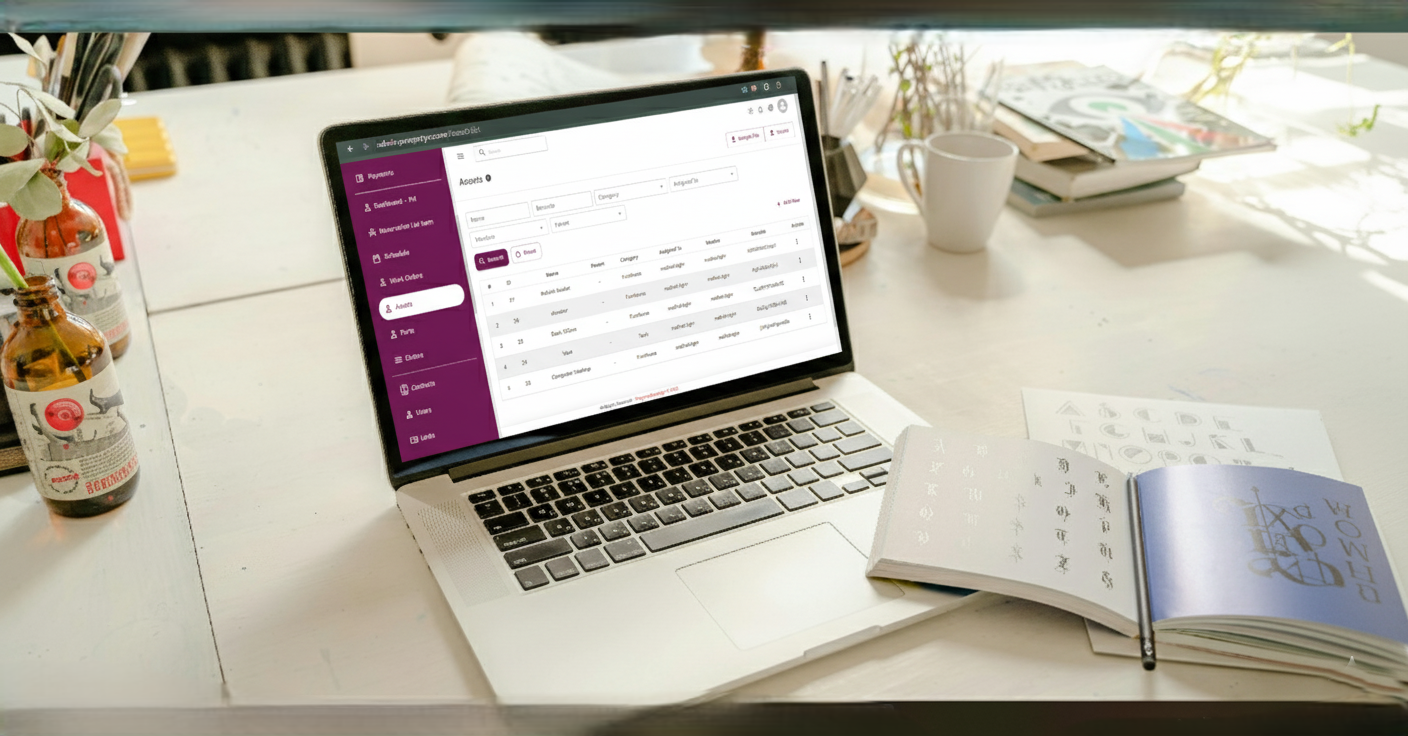
Smart Workflow Automation
A Powerful BPMS (Workflow Automation) for Property Management Software
Traditional maintenance software only lets you create and assign work orders. But what if you could design the entire process behind every request—deciding exactly who sees what, who can take action, and how every step flows automatically?
With PropertyCareApp’s built-in BPMS module, you have full control to create intelligent workflows that make your maintenance operations faster, more secure, and perfectly tailored to your organization.
🚀 Why This Workflow Engine is a Game-Changer
-
- Customizable Processes: Go beyond simple task assignments and design your own approval chains and rules.
-
- Granular Access Control: Define who can view or edit each Work Order and at which stage of the process.
-
- Error-Free Automation: Automated transitions reduce manual mistakes and speed up resolutions.
-
- Full Transparency: Every action is logged, giving you a complete audit trail for accountability.
⚡ How Workflow Works with Work Orders
-
- Define Status Transitions: Decide which status changes are allowed and who has the right to make them (e.g., only managers can move a task from “Pending Approval” to “In Progress”).
-
- Control Data Visibility: Specify which user roles can view a Work Order at different stages—or hide sensitive details until the right step in the process.
-
- Field-Level Permissions: On every Work Order form, decide which input fields can be edited by which user roles at each status.
-
- Automation Rules: Trigger automatic notifications, approvals, or escalations based on your predefined workflow.
-
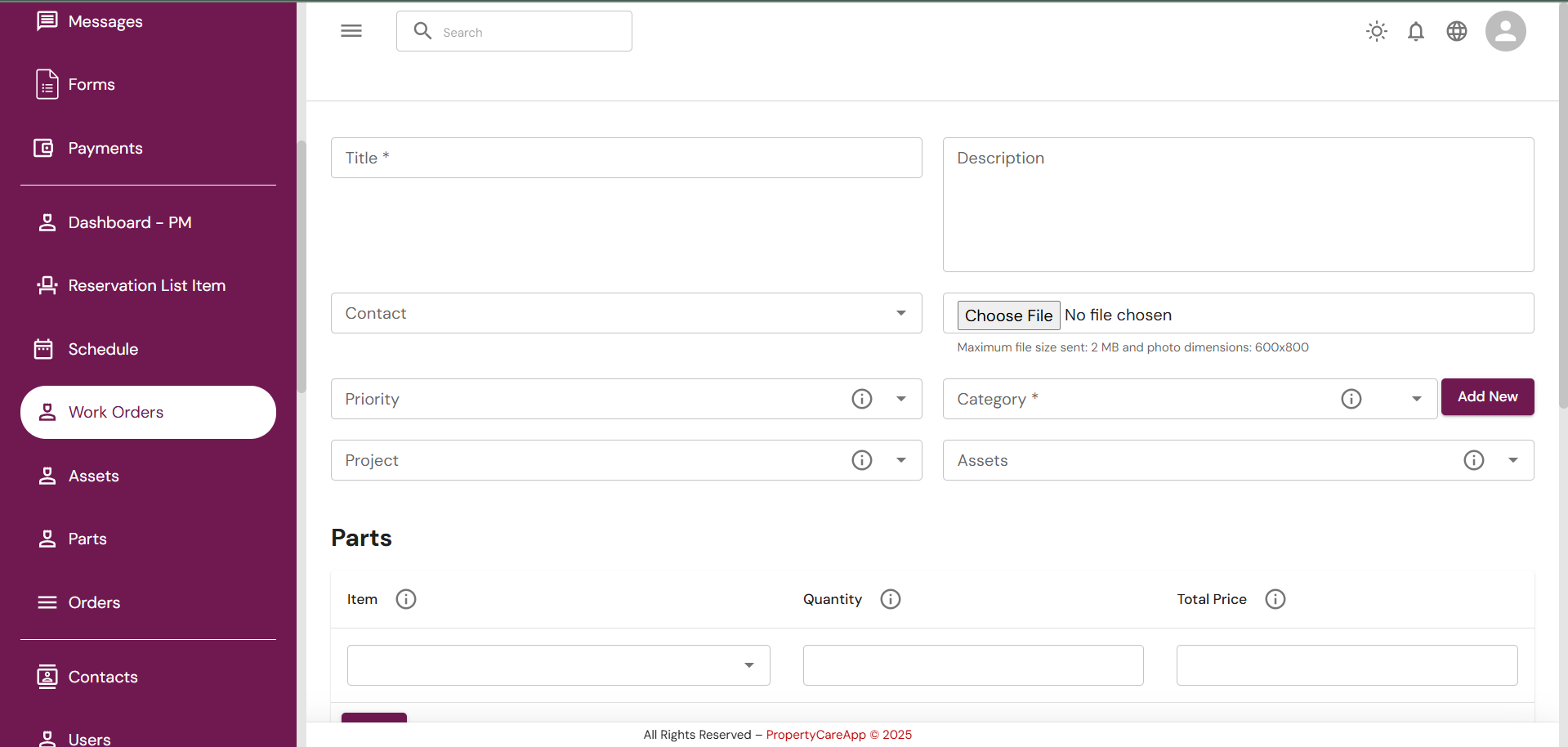
📌 Real-Life Example: HVAC Repair Request
-
- A resident reports an issue via QR code scan on the unit.
-
- The system creates a Work Order automatically and assigns it to the maintenance team.
-
- Only the building manager can change its status to “Approved” before technicians start.
-
- During “In Progress,” technicians can only update time logs and parts used, while financial fields stay locked for admin approval.
-
- Once marked “Completed,” only management can close and invoice the order.
This ensures complete control, no unauthorized edits, and a perfectly structured process every single time.
🔧 Flexible Automation Integrated with Other Modules
-
- Time Tracking: See exactly how long technicians spend on each Work Order.
-
- Parts & Inventory: Any used part is deducted from stock automatically. Low inventory triggers vendor quote requests via email.
-
- Vendor Management: Connect specific tasks directly to suppliers for faster procurement and reduced delays.
✅ The Result
With PropertyCareApp’s BPMS-powered Workflow Automation, you don’t just assign tasks—you design the entire process. From who sees and edits what, to how approvals flow and data is secured, you have full control over every Work Order, ensuring speed, compliance, and efficiency across your building management operations.
Ready to experience smarter maintenance management?
👉 Start your free trial of PropertyCareApp today and see how our BPMS-powered workflow automation transforms your building operations.